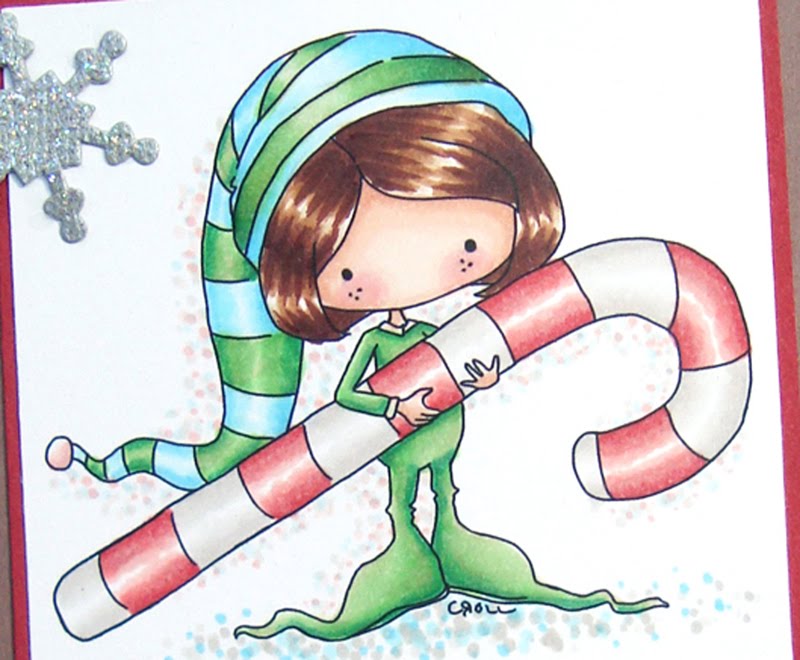
I decided to make a Holiday Recipe card in Photoshop. Pretty simple since Shabby Princess already made the recipe card template for me. All I had to do was drop in my .png image of Coriander as Goldilocks onto the premade recipe card, type in my recipe and re-arrange it around Corianders body. Once it was printed onto Xpress It paper and left to dry over night, I coloured Coriander in with my Copic markers. Simple huh!
I ran my marker in overlapping streaks on the skirt area to mimic the plaid in the digital recipe card border. Didn't turn out too bad - I thought :D
 When you order a digital stamp from Little Miss Muffet Stamps, you get two file formats; a .png and a jpeg. For those of you who aren't familiar with the differences between file formats:
A .jpeg has as white frame box around the image.
A .png however, is cropped completely around the image shape leaving no frame box or white spaces around the outside of that image. Making it perfect to place ontop of backgrounds.
 For more great Simplicity ideas, head on over to the Little Miss Muffet Challenge Blog.
I am submitting this recipe card in for the following challenges:
One Stitch At A Time - #87 Use a Digi
Creative Craft Challenges - Minimalistic
Totally Stampalicisous - Anything Goes
Digital Tuesday Challenge - #136 Anything Goes
Raise the Bar - # 82 No Embellishment